Why this is needed at all
Cardගොඩ reads most statements entirely on your own machine, offline and free. But Sri Lankan banks do not agree on a layout, and some — Commercial Bank among them — send PDFs the built-in reader cannot make sense of. Scanned pages are the same story.
Without a key, those statements will not import. The app will tell you so rather than guess at the numbers. If your bank is one of the difficult ones, the key is not optional — it is the difference between the app working for you and not.
Getting the key
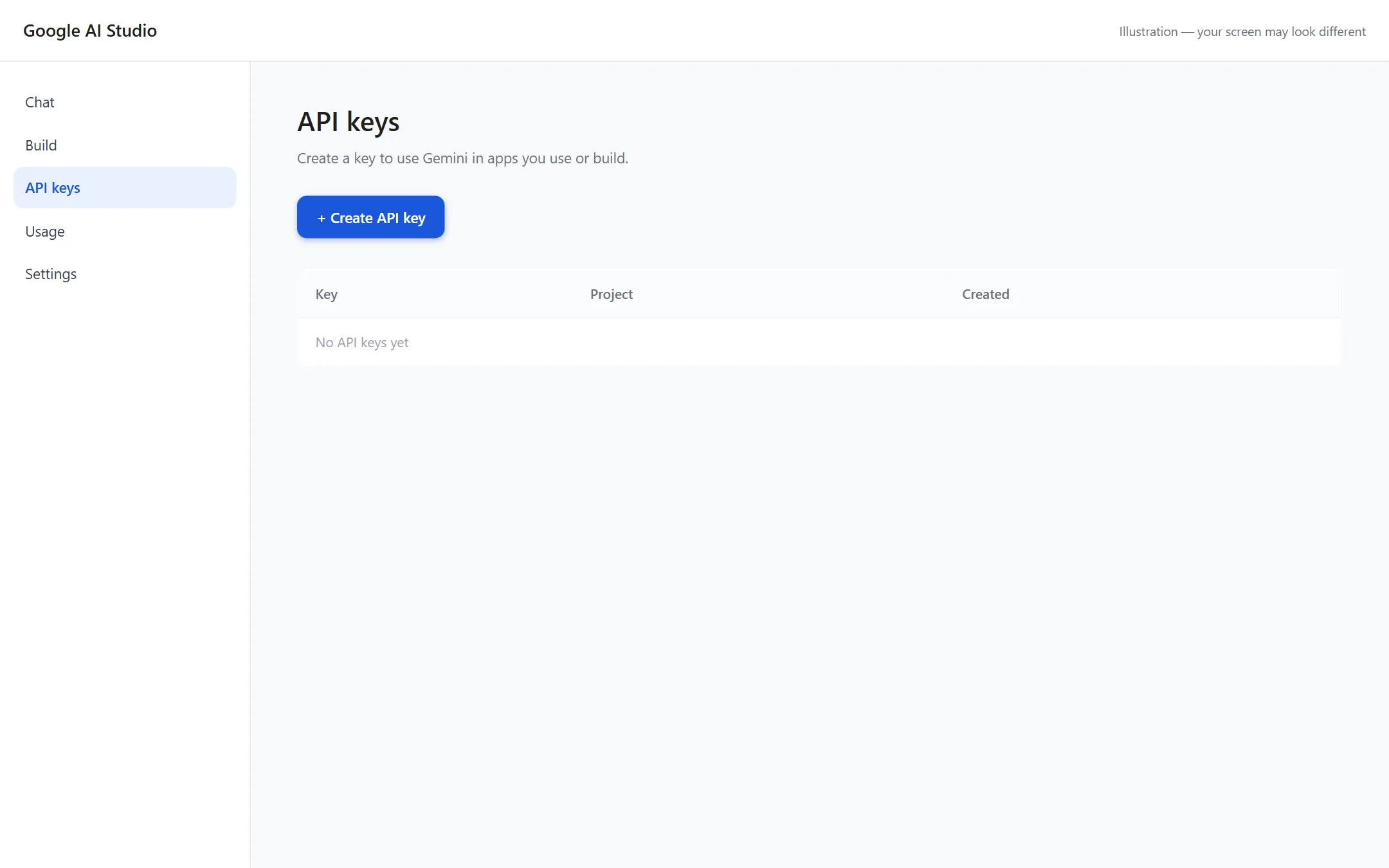
In Google AI Studio, open API keys and press Create API key.
The first two screens are a simplified drawing of Google AI Studio, which changes its layout often; the last two are the app itself.
- Open Google AI Studio Go to aistudio.google.com/apikey and sign in with any Google account. It does not have to be the account your statements are e-mailed to.
- Create the key Click Create API key. If it asks you to pick a Google Cloud project, let it create one — you do not need to understand or manage it.
- Copy it
The key is a long string starting with
AIza. Copy it. You can come back and see it again later, so nothing is lost if you close the tab. - Paste it into Cardගොඩ Open Settings, find API Key, paste it in and save. The app checks it works before it accepts it.
Where the key is kept. In your operating system's keychain — Windows Credential Manager or the macOS Keychain — the same place your browser keeps saved passwords. Not in the database, not in a settings file, and never in a backup. You can remove it in Settings at any time and the app goes back to offline-only reading.
What it actually costs you
This is the part people worry about, so here are real numbers rather than reassurance. These were measured from an actual statement read by the app, using the app's own usage counter:
| One statement | Tokens | What it is |
|---|---|---|
| Sent | 7,870 | The statement's text and the instructions for reading it |
| Returned | 1,256 | The transactions and totals, as structured data |
| Total | 9,126 | For one month, for one card |
To put that in scale: six cards, twelve statements each, is a full year of statements — and it comes to roughly 657,072 tokens a year. That is a small number by the standards of these models, and it is why the free tier is enough for ordinary use.
It is also a ceiling rather than an expectation, because statements the offline reader can handle never reach Gemini at all. In practice only the difficult banks cost you anything.
Google sets the free tier's limits and changes them from time to time, so the current figures are on Google's pricing page rather than copied here where they would go stale. The app shows your own running total in Settings, so you never have to take our word for any of this.
Measured from one real statement. A longer statement with more transactions costs more, a short one less — but the order of magnitude holds.
What Google sees, and one thing you should know
When a statement is read this way, its text goes to Google under your API key and your Google account. It does not pass through us, and we never see it.
Read Google's terms before you use the free tier for this. Google's terms for the Gemini API treat free and paid usage differently, and free-tier content can be used to improve Google's products in ways paid usage is not. Your statement text is not ordinary content — it carries your name, your card number and everywhere you spent money.
We are pointing this out rather than leaving you to find it, because it is your decision and it should be an informed one. The current terms are at ai.google.dev/gemini-api/terms.
If you would rather nothing left your machine at all, leave the key unset. Statements the offline reader can handle still work exactly as before, and the ones that cannot will say so instead of being sent anywhere.
If it does not work
The app says the key is invalid
Check for a space copied along with it, and that the
key starts with AIza. Creating a fresh key in AI Studio is
quicker than debugging an old one.
It worked, then started failing
Most likely the free tier's rate limit, which resets. Importing a folder of a year's statements in one go is the usual cause. Wait, then import the rest.
Can I use one key on two computers?
Yes. It is your key and you can paste it into as many installs as you like. The usage counts against the same Google account.
How do I remove it?
Settings → remove the key. It is deleted from the keychain. You can also delete the key itself in AI Studio, which stops it working anywhere.